 AIFeed
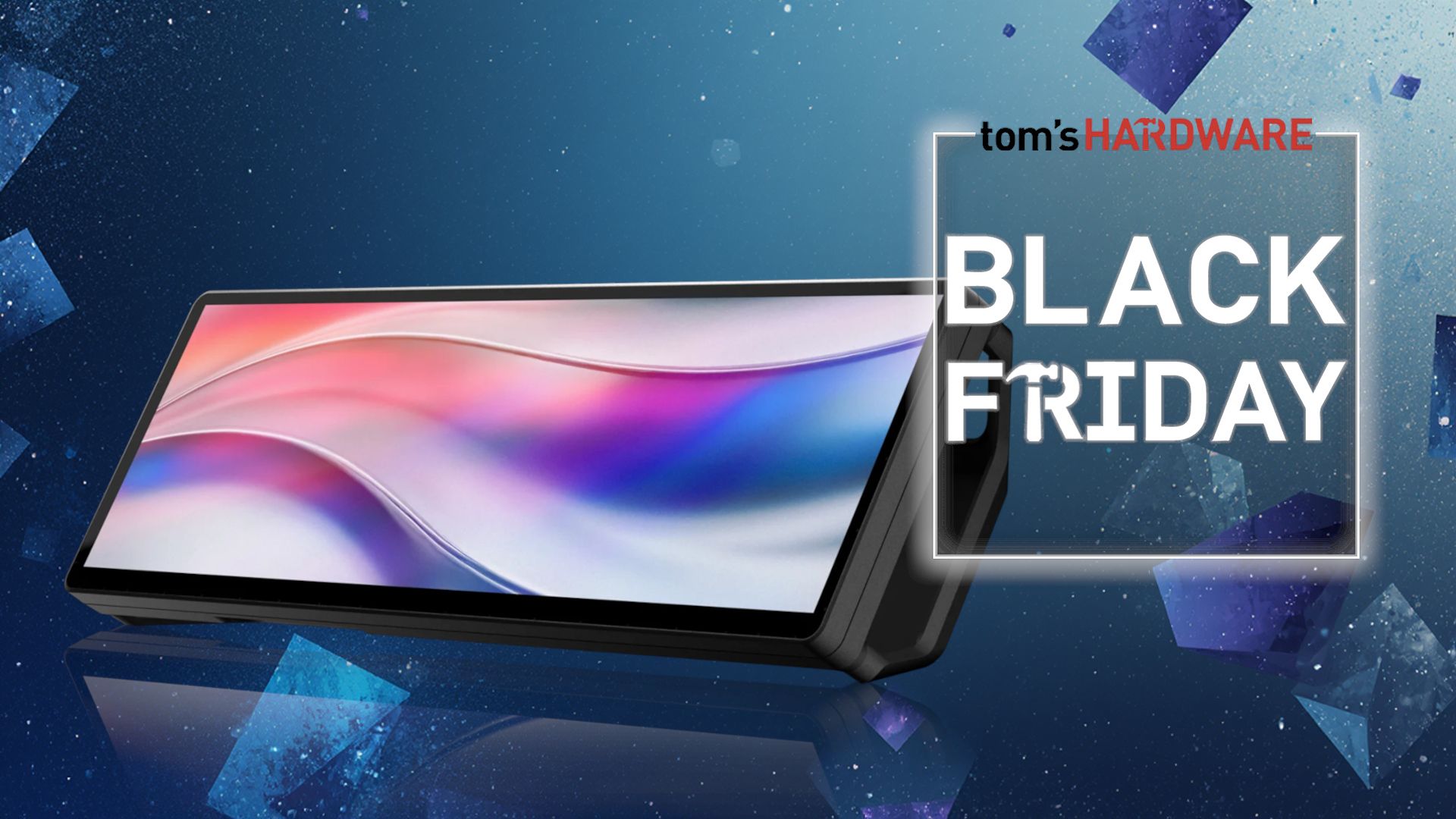
Corsair's Xeneon Edge was hot over the summer and was subsequently marked down from its $250 MSRP to $199. This deal is back for Black Friday, meaning you can score one for just $199 at Corsair, $50 off the usual price. All five colors — white, black, smoke, translucent, and atomic purple — are on sale.
- Check out this deal on the Corsair website.
The Xeneon Edge is a tiny (relatively speaking) screen designed to be placed on your desk, under your main monitor — and it features a built-in, angled stand to accomplish this. It also comes with a magnetic backplate (with 14 magnets); however, should you want to mount it elsewhere, as well as two 1/4-20" mounting holes (and it even integrates directly into some of Corsair's PC cases.
The Corsair Xeneon Edge is a 14.5-inch display designed to serve as an extension for your desktop and give you a small screen to host your most important apps. Its versatility means you can mount it practically anywhere — horizontally under your main monitor, vertically beside your primary display, or as a digital status panel inside your PC case.
The Xeneon Edge sports a small 14.5-inch screen with a 2560 x 730 resolution and a 60 Hz refresh rate. It features a five-point touch screen and can be set up via Corsair's iCue software to do just about anything you want: monitoring your system, adding Stream Deck-style functionality via buttons and sliders, displaying a slideshow, tracking your social media, etc. The screen connects via USB-C (DisplayPort Alt Mode) or HDMI 2.0 + USB-C for power if you don't have a USB-C video out port.
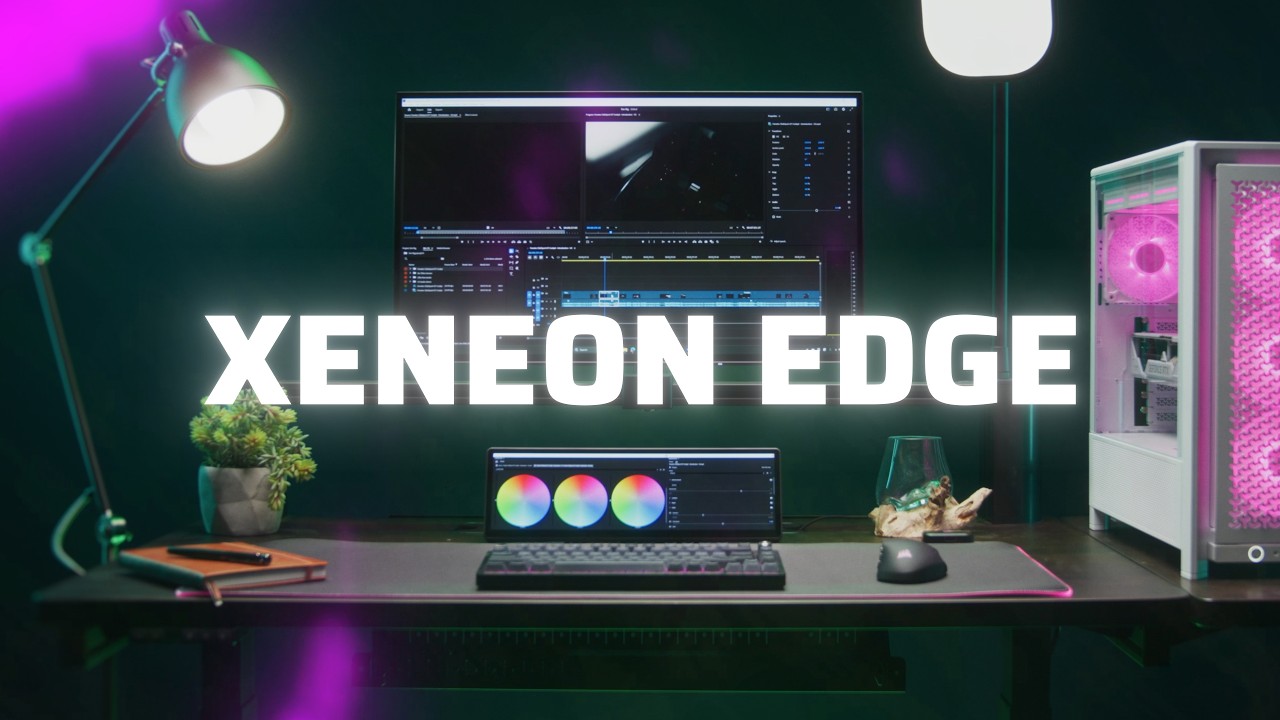
You can set up the Xeneon Edge to do whatever you like, but if you need some inspiration, you can also grab some pre-made widgets from the iCUE section of the Elgato Marketplace. Some of these widgets are paid, but there are plenty of free options for various types of monitoring, tracking, and aesthetics.
More Black Friday Tech Deals
Download the Tom's Hardware app for up-to-the-minute updates on iOS and Android.
If you're looking for more Black Friday savings, check out our Best PC Hardware deals for a range of products, or dive deeper into our specialized SSD and Storage Deals, Hard Drive deals, Gaming Monitor deals, CPU deals, Gaming PC deals, RAM combo deals, 3D printer deals, RAM deals, Gaming laptop deals, Wi-Fi Router deals, GPU deals, and Gaming chair deals pages.* The listed previous prices can vary based on retailer, as many use different metrics, like 90-day rolling averages or ‘estimated value’ due to ongoing shortages and price hikes.
Get Tom's Hardware's best news and in-depth reviews, straight to your inbox.

Sarah Jacobsson Purewal is a senior editor at Tom's Hardware covering peripherals, software, and custom builds. You can find more of her work in PCWorld, Macworld, TechHive, CNET, Gizmodo, Tom's Guide, PC Gamer, Men's Health, Men's Fitness, SHAPE, Cosmopolitan, and just about everywhere else.