 AIFeed
AI Clothes Changer
ClothesMorph is an AI clothes changer that puts up to three garments on one person photo in 1K watermark-free resolution—preserving face, pose, logos, prints, and fabric texture.
- Face & pose preserved
- Natural draping
- 1 free try-on · No card
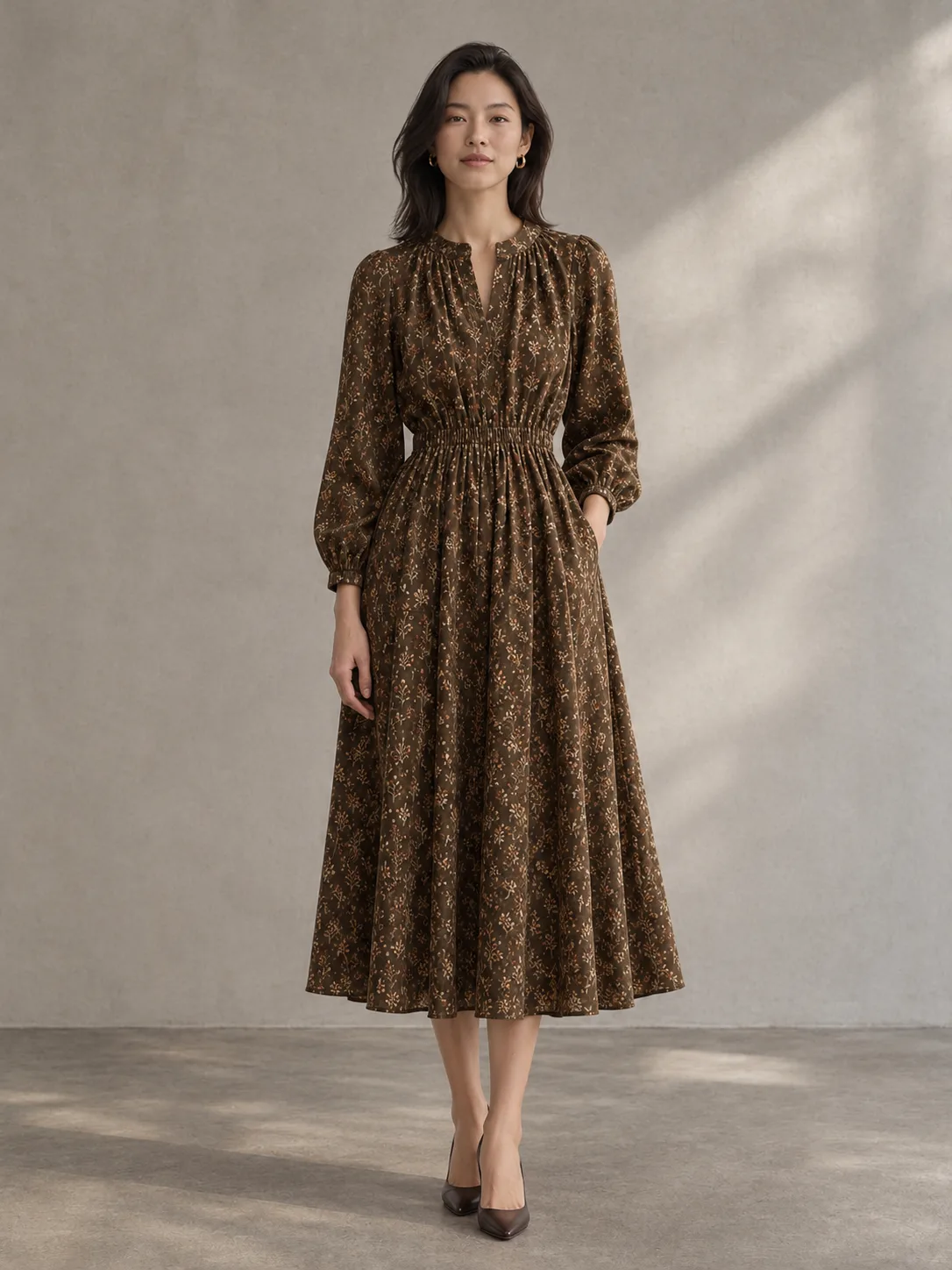
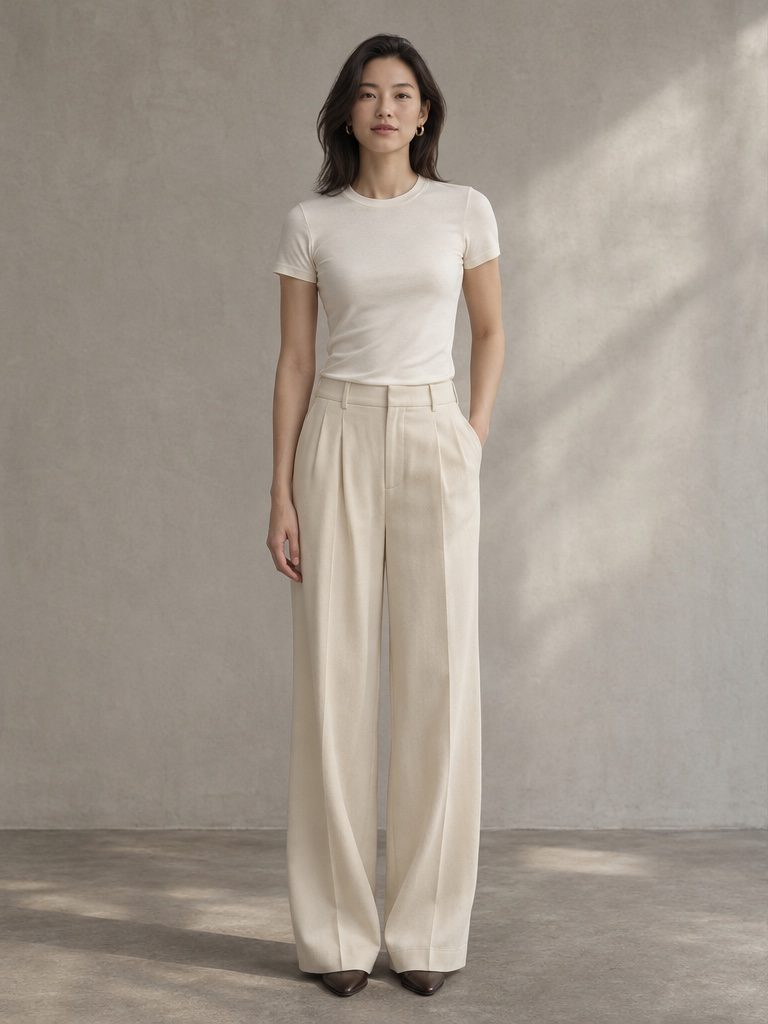
Three-piece outfit
A top, an outer layer and trousers in a single generation. Check how the layers stack, where each hem sits and whether every piece keeps its own color.
What to check
- Every piece presentHolds up
- Layer order correctHolds up
1 generation · no retouching · 832 × 1248 · 1 credit
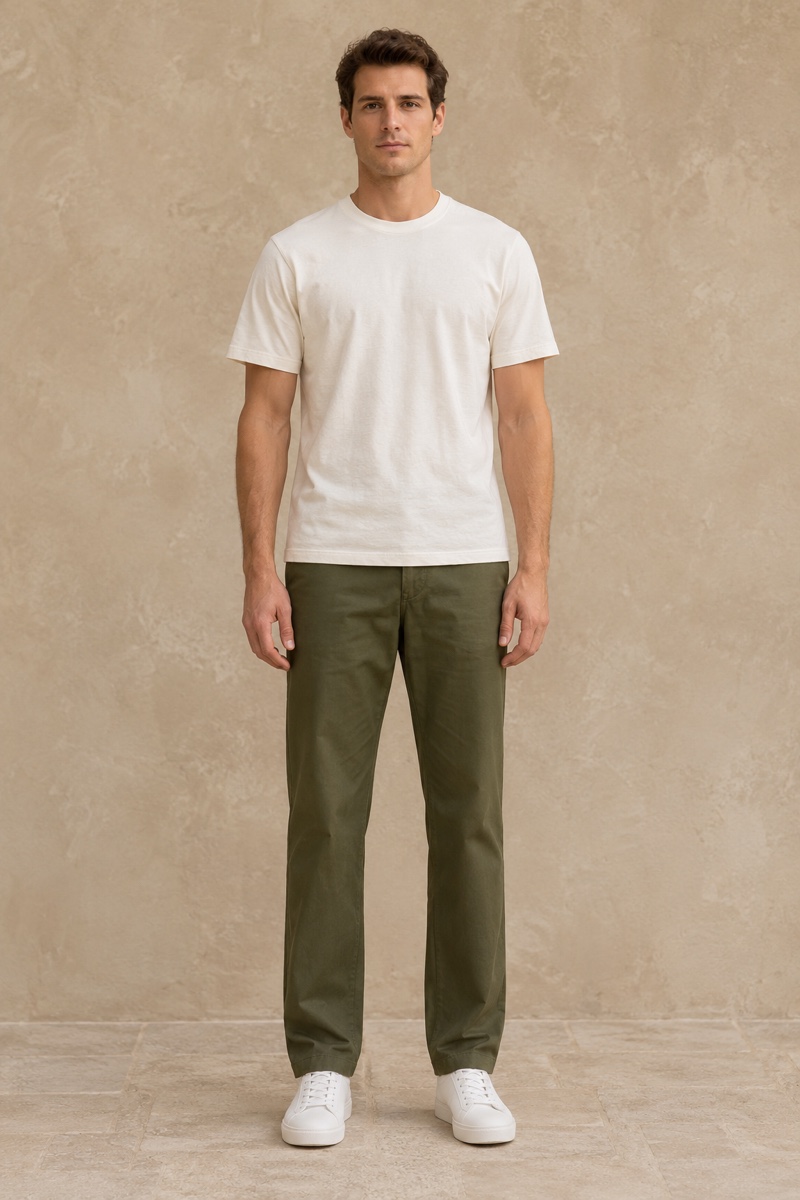
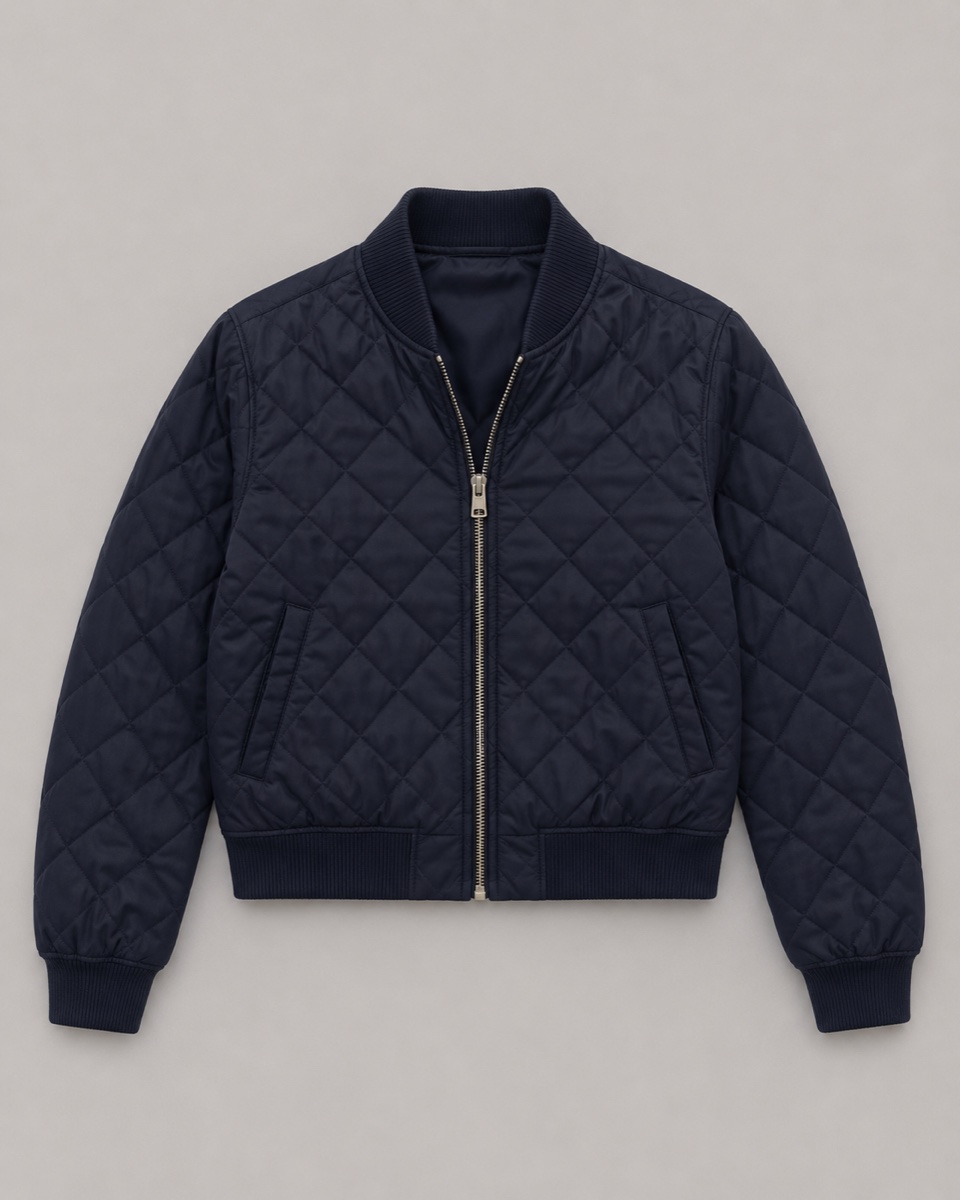
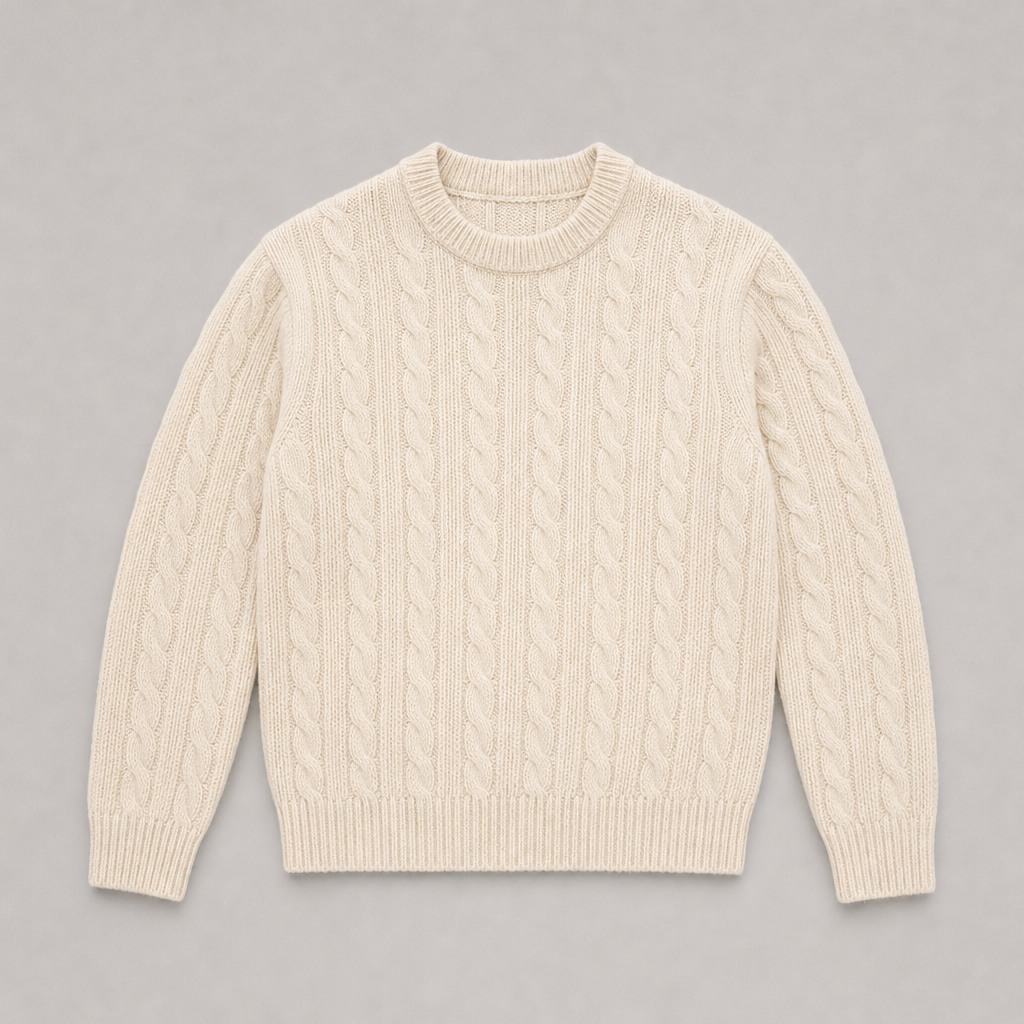
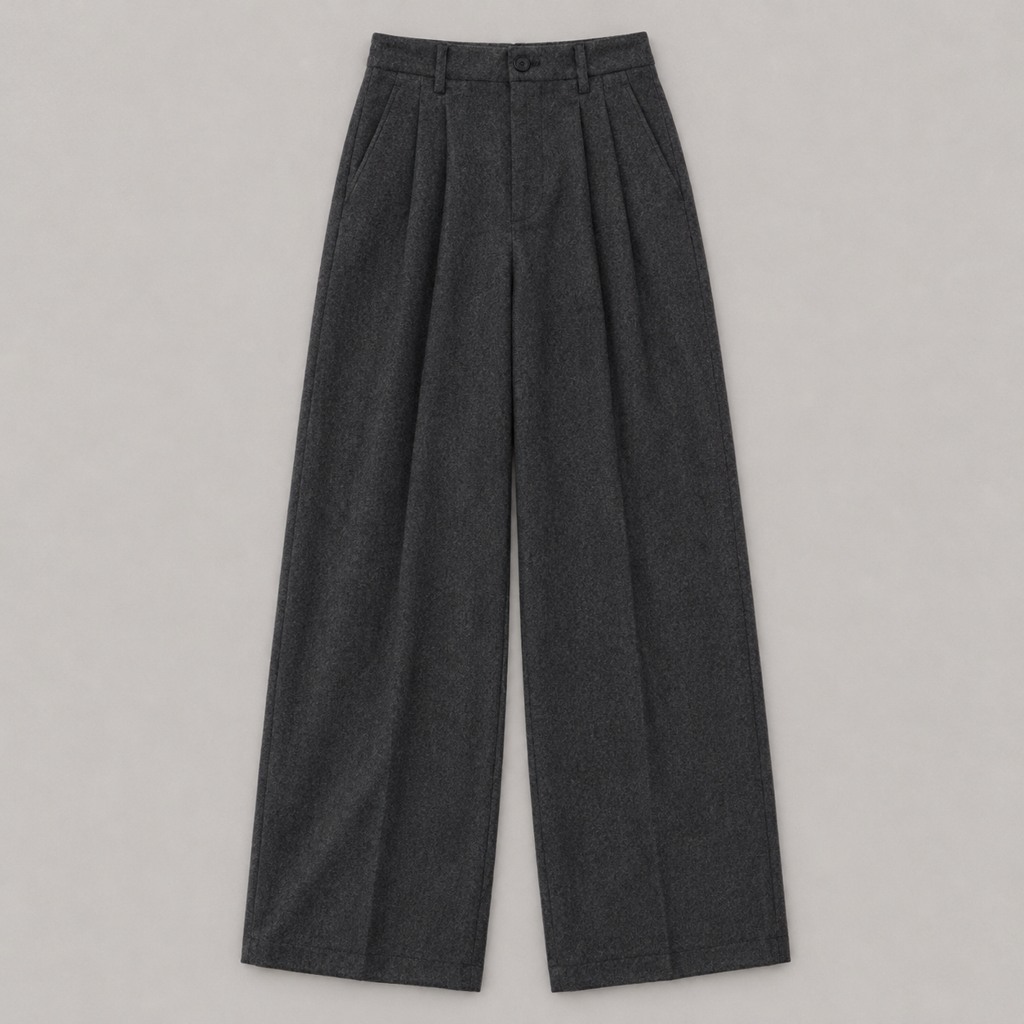
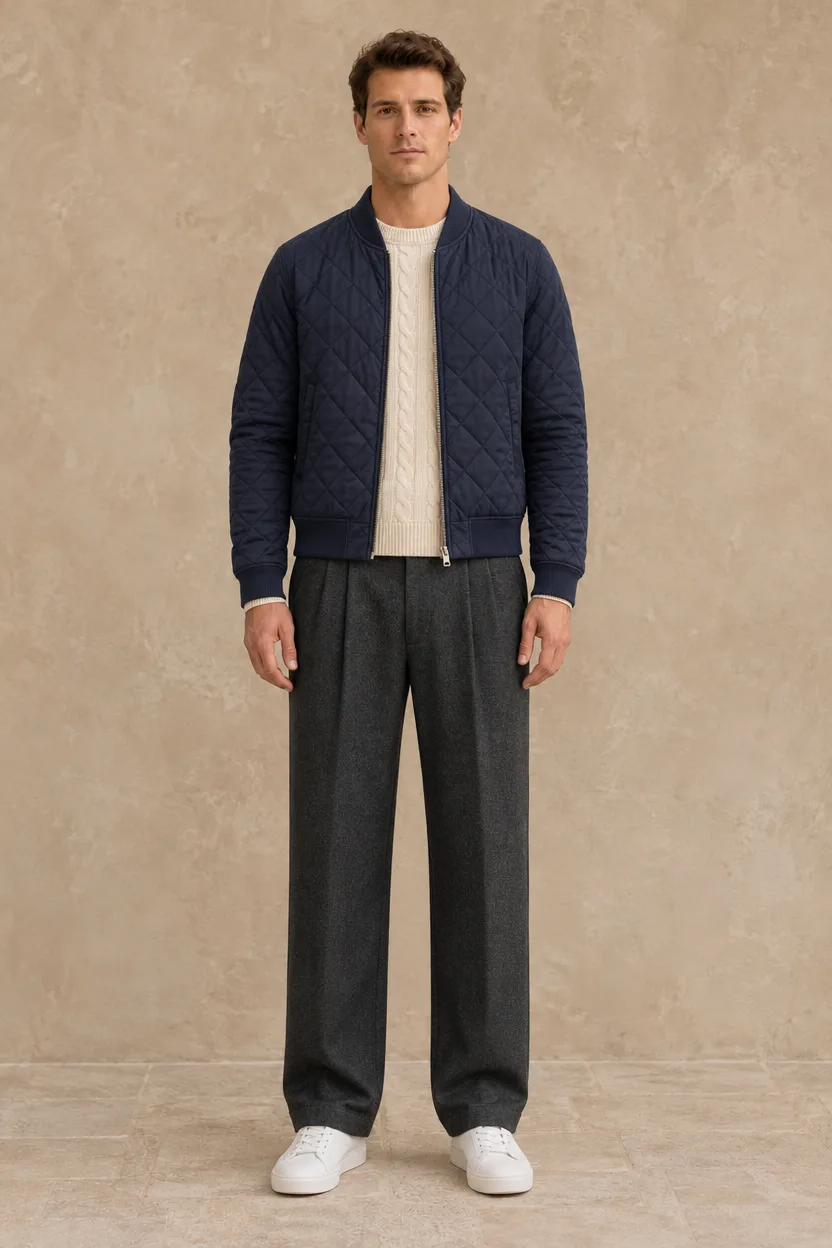
Unedited output from our AI clothes changer
Detail, side by side
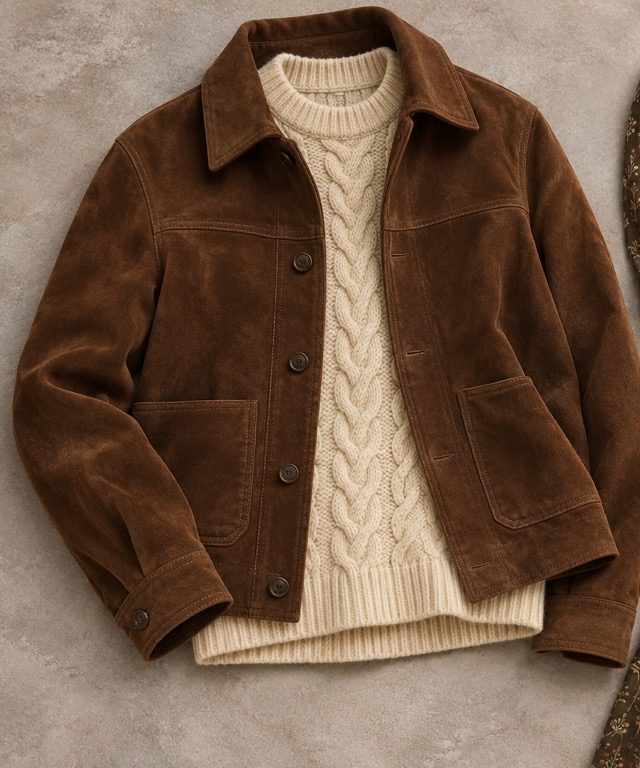
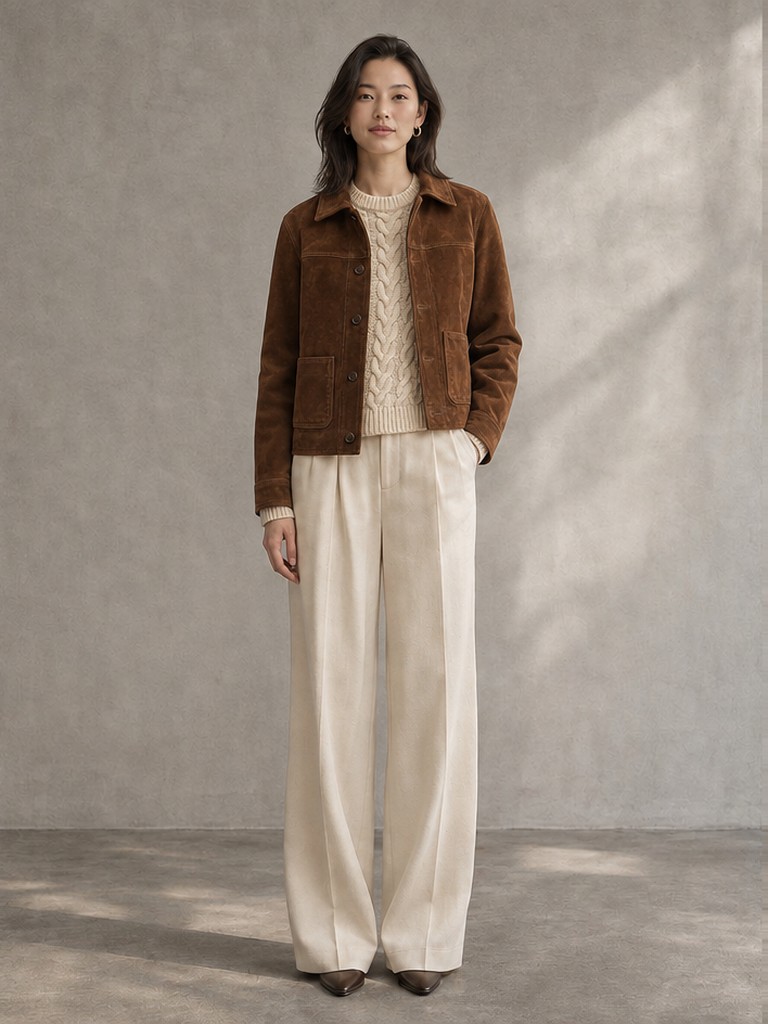
01Garment fidelity
- Suede nap, knit cables, denim grain and top-stitching should read the same at full size as in your reference.Shoot tip Shoot the garment in soft daylight, close enough that the weave is visible.
Suede nap, knit cables, denim grain and top-stitching should read the same at full size as in your reference.
Shoot tip Shoot the garment in soft daylight, close enough that the weave is visible.
02References that work
03What you download
Create listing photos without a shoot
Start with a flat lay from your product folder and put it on a model photo you have permission to use. Check the color and cut before adding the image to the product page.
Create a series of outfit posts
Reuse one well-lit portrait so the framing stays consistent across your posts. Change the references between generations to make a series of looks for a drop or seasonal collection.
Style a complete outfit
Add a top, a layer and a pair of trousers in one generation to see how the pieces work together. Use the result to plan an outfit bundle or put together a lookbook.
Test variations before an ad spend
Generate separate outfit options using the same base image so you can compare the styling. Pick the combinations to develop into paid creative or bring into your next product shoot.
- Upload a person photo1. Upload a person photoChoose a clear half-body or full-body photo that shows the area you want to dress. Even lighting and a background with little clutter make it easier to see the changes.
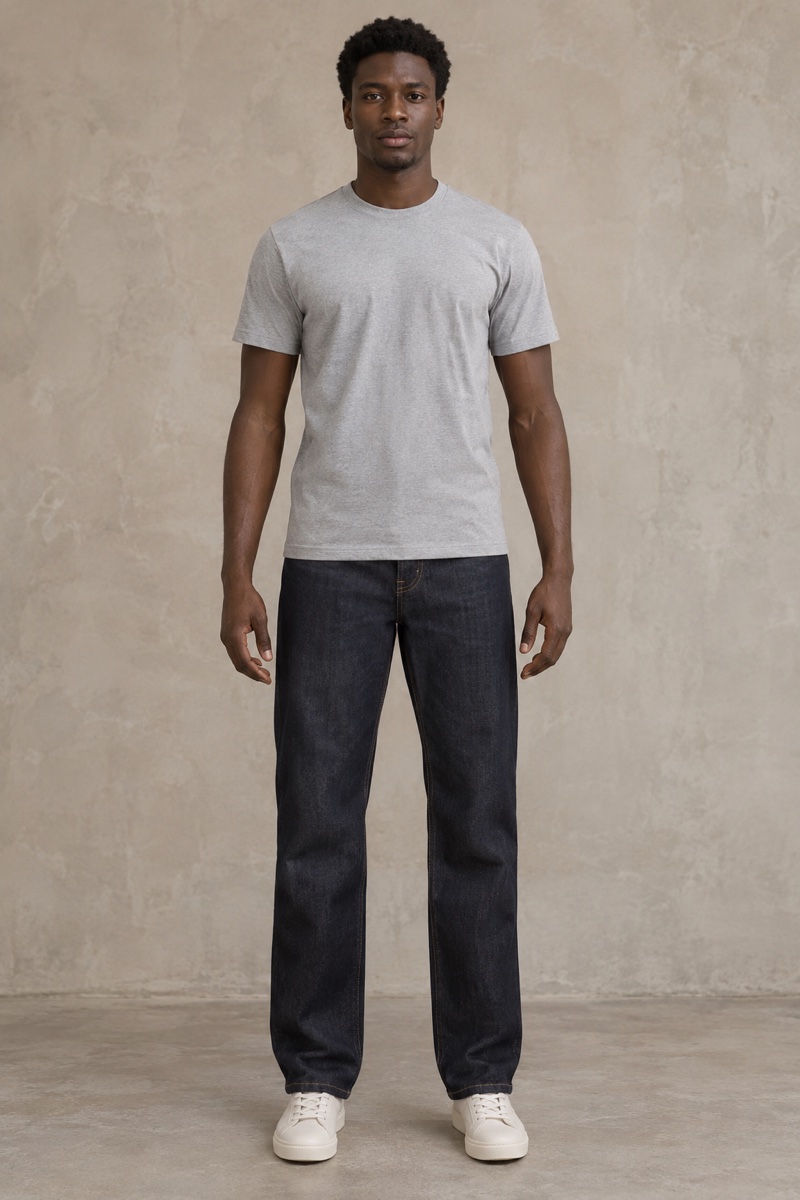
1. Upload a person photo
Choose a clear half-body or full-body photo that shows the area you want to dress. Even lighting and a background with little clutter make it easier to see the changes.
- Add one to three pieces2. Add one to three piecesUpload separate references for each garment. Choose views with visible edges and add an optional styling note if you want a specific detail, such as how an outer layer is worn.
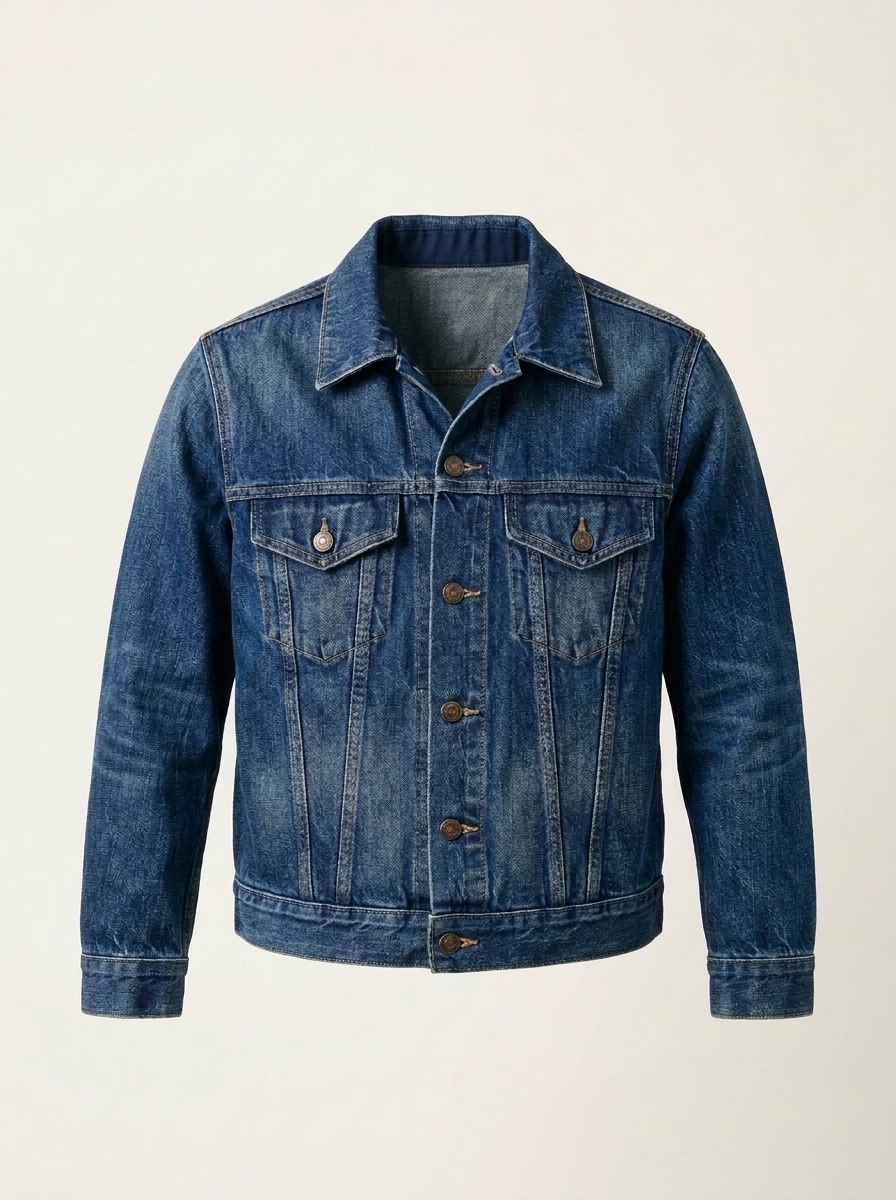
2. Add one to three pieces
Upload separate references for each garment. Choose views with visible edges and add an optional styling note if you want a specific detail, such as how an outer layer is worn.
- Generate and download3. Generate and downloadGenerate one outfit image and inspect it at full size. Download it while it is available, and keep a local copy if you plan to publish or compare it later.
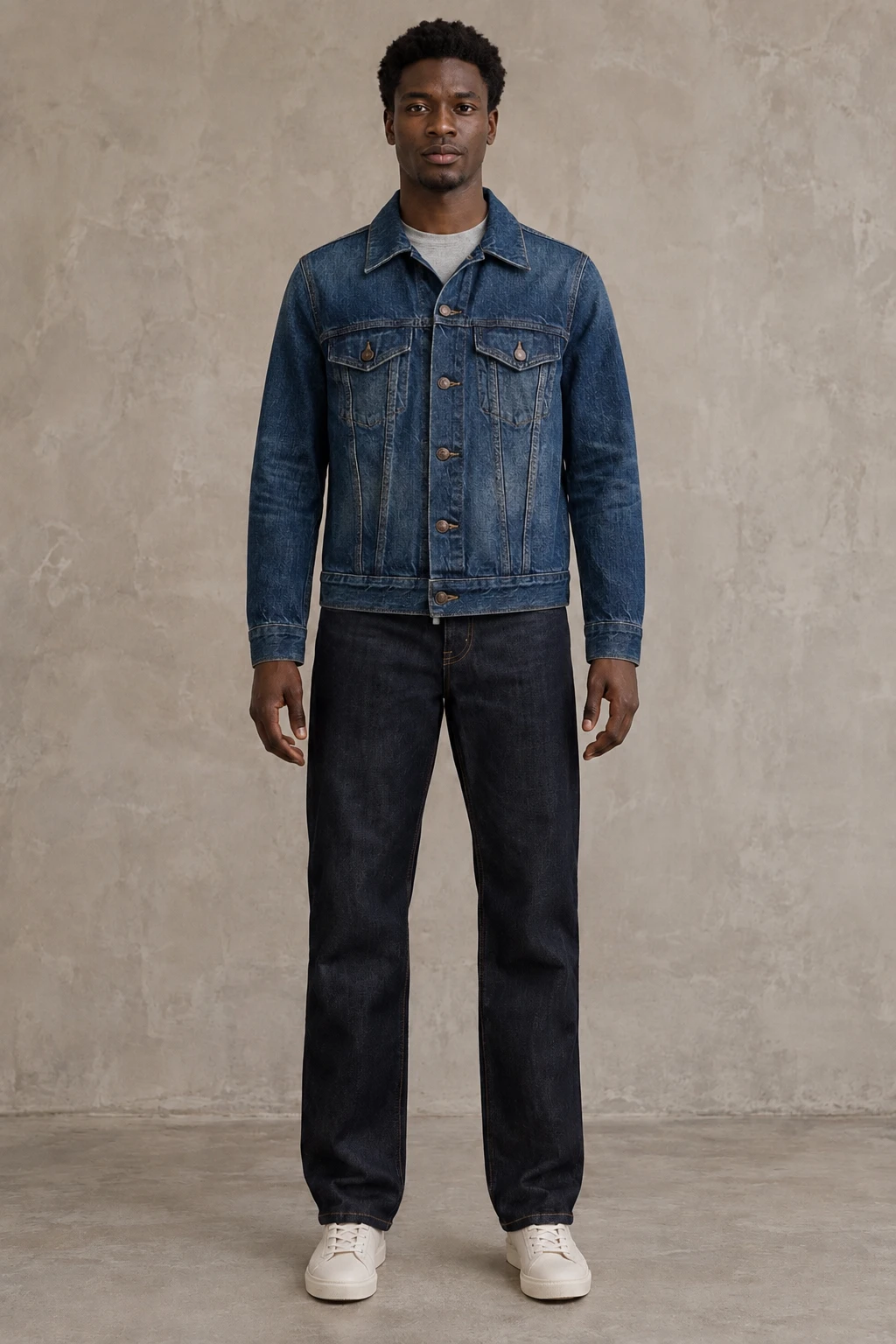
3. Generate and download
Generate one outfit image and inspect it at full size. Download it while it is available, and keep a local copy if you plan to publish or compare it later.
Trial Pack · One-time payment · One per account
Starter
For personal try-ons and small batches of outfit photos.
100 images· $0.099 / image
- 1K full-resolution, watermark-free download
- Commercial use license
Creator
For a regular stream of styling posts and ad variations.
250 images· $0.080 / image
- 1K full-resolution, watermark-free download
- Commercial use license
Seller
For more products, collections and model references.
580 images· $0.069 / image
- 1K full-resolution, watermark-free download
- Commercial use license
Mini Pack · One-time payment
Subscriptions renew automatically. Cancel anytime in Settings → Billing and keep your credits through the current period. Unused orders are refundable within 7 days.
See full pricing and billing terms Refund Policy
An AI clothes changer edits a photo to show the person wearing clothing from your reference images. ClothesMorph combines a person photo with up to three garment photos to create one virtual try-on image.
Eligible new users can receive one image credit when they sign in with Google for the first time. Availability depends on your region and usage limits.
Eligible new accounts receive 1 free welcome credit on first Google sign-in (subject to fair-use and regional limits). The welcome credit stays valid for 30 days.
All downloads are watermark-free. Your welcome image has the same resolution and quality as paid images.
You can use the generated images for product listings, social posts and ads under our terms. Make sure you hold the necessary rights to the original photos, any identifiable person and any marks on the clothing.
ClothesMorph operates independently of its AI model providers and has no affiliation, endorsement, or sponsorship from them.
Yes. A generation that fails or cannot deliver an image returns the credit automatically. If the model completes the job, the credit is used even if you choose a different outfit afterward.
We send your photos and styling note to service providers for content review and generation. Your approved result is available through your account for 7 days. See our privacy policy for details.
Use a well-lit person photo with the relevant body area visible. For clothing, show the full garment with clear edges, readable prints and consistent lighting. A front-facing angle makes fit and placement easier to compare.
Upload JPEG, PNG, or WebP photos up to 8 MB each and 24 MB in total. Results are generated at 1K resolution using the supported aspect ratio closest to your person photo.