 AIFeed
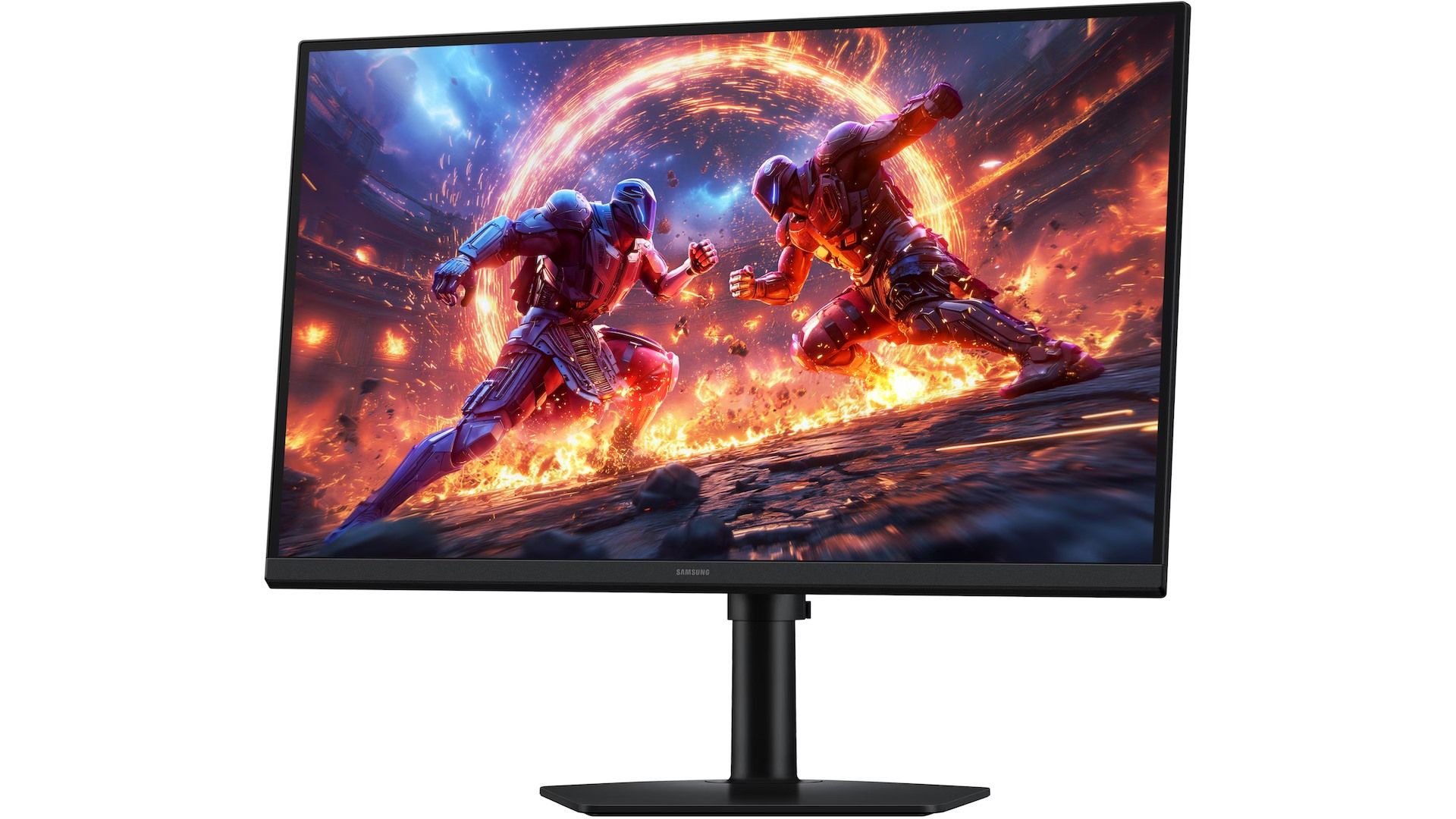
Samsung's display business has produced some incredible screens, often with groundbreaking features. We have one such example released today: the Samsung Odyssey G60H (LS27HG602ENXZA), a 27" Fast IPS LCD gaming monitor whose standout feature is that it can refresh up to 1,100 times per second. That is 0.91 milliseconds per frame. This exotic screen isn't cheap, but if you're expecting a price to match the max refresh, be surprised, as you can snag it on Amazon for $894.
- Grab the Samsung Odyssey G6 (G60) at Amazon for $894.99.
If you look at the specifications, you'll see Samsung describe it as a 600Hz gaming monitor. There's no overclocking shenanigans here; this is a "Dual Mode" monitor, meaning that in its native QHD resolution (2560×1440), it supports an already scorching 600Hz refresh rate. You have to slash the resolution by 75% to get that 1100Hz figure, down to just 1280×720, or "HD". Given that this is exactly 1/4 the resolution of QHD, Samsung has hopefully implemented some pretty fancy integer upscaling.
Aside from the resolution and refresh rate specs, this is actually a fairly standard IPS LCD gaming monitor. That's not a knock; it's perfectly fine, with a typical brightness of 400 cd/m², claimed 99% sRGB coverage, rated 1000:1 native contrast, and some measure of HDR10 support—although given the lack of local dimming and the modest brightness, it's hard to call this an HDR display. Naturally, it supports FreeSync Premium and is G-Sync Compatible, and while Samsung doesn't share the VRR ranges, it does say that you can't hit the peak 1,100 refresh rate with FreeSync enabled.
The firm does say that the G60H is the first to include "Odyssey Clear Motion," a feature that it says "reduces motion blur to help players see fast-moving action more clearly during critical moments in gameplay." It's not completely clear what this feature actually is, but Samsung says that "through the optimised blur reduction algorithm, the Odyssey G6 keeps fast-changing scenes clear and crisp."
Samsung notes that it plans to bring the technology to more gaming monitor models, which sounds interesting. Black frame insertion (BFI) and backlight strobing are the two most common methods of motion blur reduction, but Samsung has sold monitors with strobing for over ten years; it would be odd to reintroduce it as a new feature now.
There's an interesting question hanging over this feature: at 1,100Hz, does a monitor even need dedicated motion blur reduction? Blur Busters has long discussed 1,000Hz as something of a milestone for sample-and-hold displays, arguing that sufficiently high refresh rates can approach the motion clarity of a CRT without requiring backlight strobing.
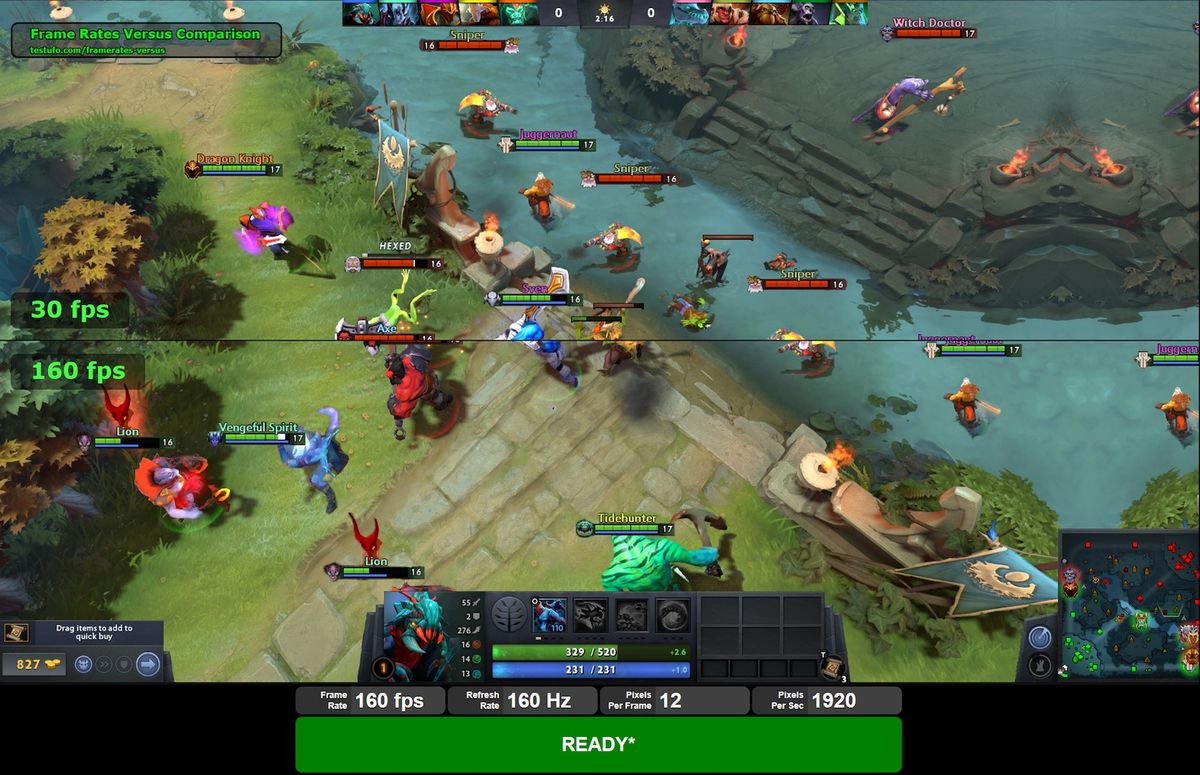
1,000Hz isn't some magical threshold where motion blur disappears entirely, though. That site's own calculations still predict about one pixel of motion blur for every 1,000 pixels per second of movement at 1ms persistence, and that's assuming instantaneous pixel transitions (like an OLED). At 1,100Hz, that drops to about 0.91 pixels, which is certainly impressive, but not quite zero. The monitor's actual pixel response times also factor into the equation, of course, and Samsung's claimed 1ms GtG response time is actually a measured range of 1.00 to 1.99ms, rounded down to a whole number. I'd be shocked if the real pixel response times weren't more like 3-5ms in the worst case.
Get Tom's Hardware's best news and in-depth reviews, straight to your inbox.
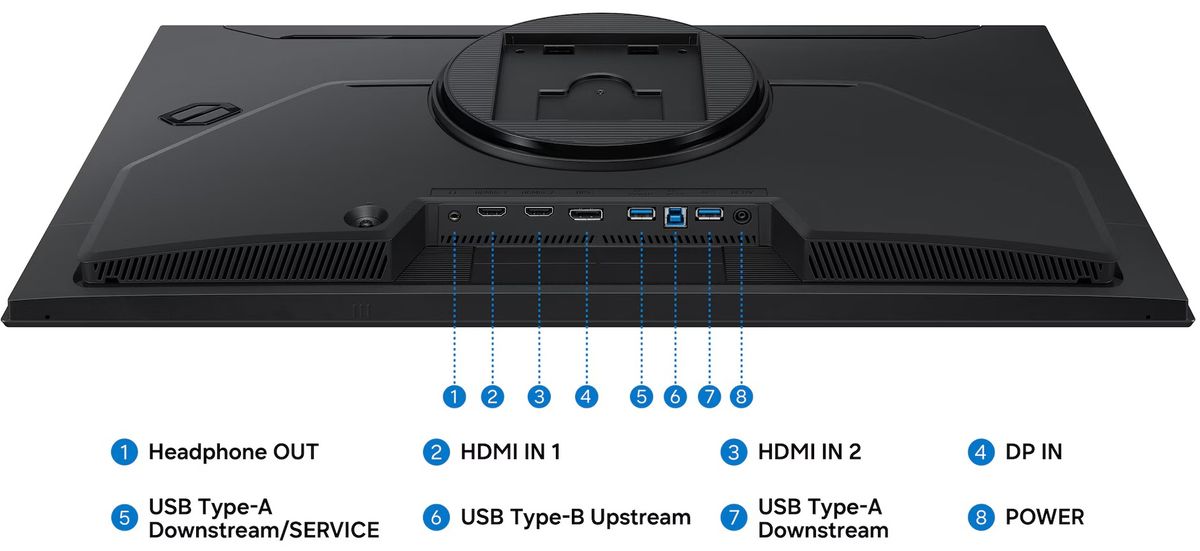
Whatever the case with the motion blur feature, in terms of connectivity, the Odyssey G6 can accept video through DisplayPort 2.1 or HDMI 2.1. It has two full-sized HDMI ports, and it also has a USB Type-B connector to pass through its pair of USB Type-A ports to the host machine. Curiously, no USB Type-C connectivity is to be found anywhere, which is unusual on a monitor of this price class, but given that this is clearly aimed at desktop gamers who have the hardware to push games to these kinds of frame rates (at least, with frame generation), it's a sensible omission to be sure, as is the elision of integrated speakers. There is a headphone jack to pass-through HDMI audio, though.
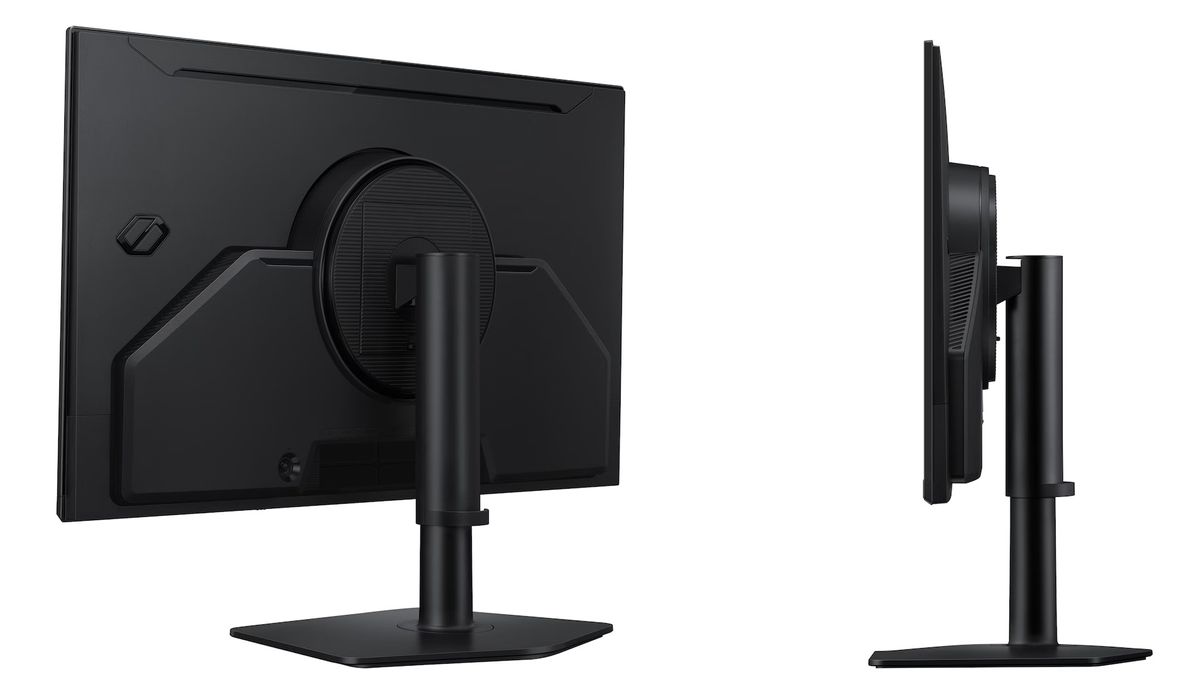
The other important characteristics you might like to know are that the Odyssey G6 (G60)'s included stand supports tilt, swivel, pivot, and height adjustments; it supports 100×100 VESA mounting, and that it uses an external AC adaptor, not an internal power supply, which is bad for convenience but good for repairability.
While the image quality is not going to blow you away if you're accustomed to OLEDs, having seen a 540-Hz display in person and been gobsmacked by it, 1,100 Hz sounds absolutely tantalizing. Admittedly, 1280x720 is a low resolution, but we used to play 240p console games on titanic projection TVs. Hardcore competitive gamers don't need high resolutions, so every cut to input lag helps.

Download the Tom's Hardware app for up-to-the-minute updates on iOS and Android. Also follow Tom's Hardware on Google News, or add us as a preferred source, to get our latest news, analysis, & reviews in your feeds.

Zak is a freelance contributor to Tom's Hardware with decades of PC benchmarking experience who has also written for HotHardware and The Tech Report. A modern-day Renaissance man, he may not be an expert on anything, but he knows just a little about nearly everything.